Why Apple Feels Human
Designing emotion through intention, motion, and restraint
TOOLS
UX Strategy · Visual Hierarchy · Interaction Design · Web Architecture · React · GSAP, Three.js
MY ROLE
UX + UI Design, Front-End developer
TIMELINE
1 week
Project Summary
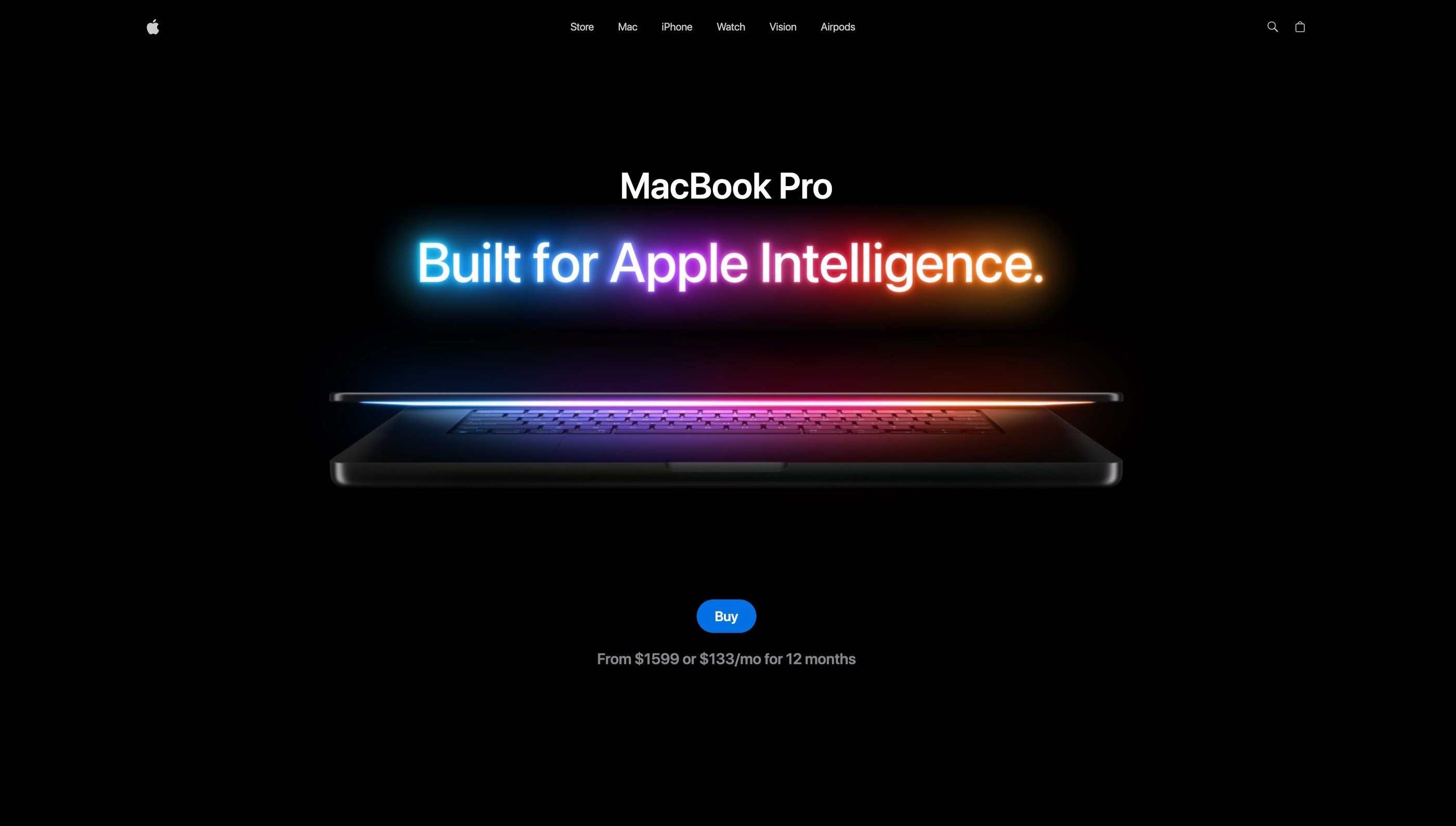
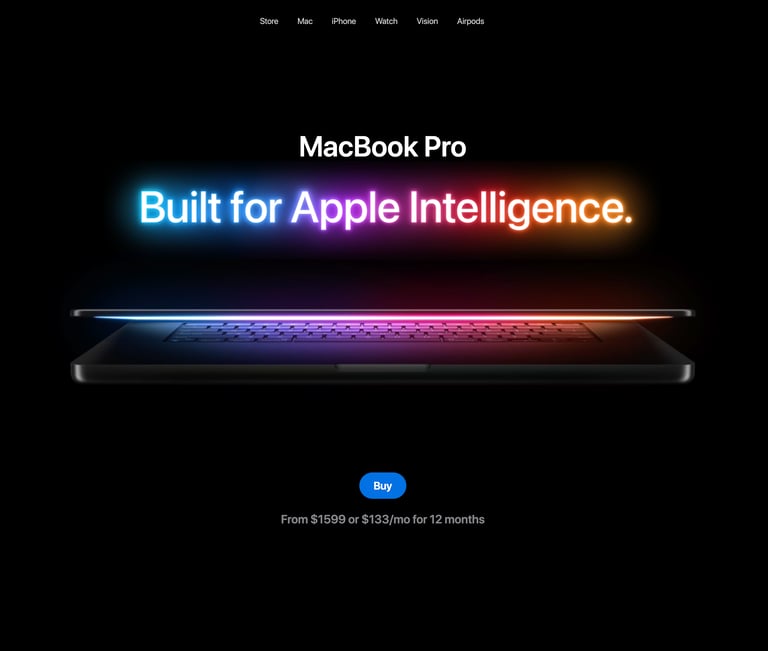
Most websites try to impress.
Apple’s website does something harder — it makes you feel confident and ready to decide.
That difference is what I wanted to understand.
This project started with a simple question:
Why does Apple’s website feel emotional without trying to be emotional?
What I Noticed
Apple never begs for attention. It earns it.
Nothing competes for focus
Motion appears only when it has meaning
White space slows you down — on purpose
Every page feels like it’s saying: “Take your time. You’re in control.”
What I Built
Not to look like Apple,
but to think like Apple.
A layout system that prioritizes clarity over density
Motion used only when it adds understanding
Typography and spacing that guide the eye without instructions
A pace that never rushes the user
Every choice asked one question:
Does this help the user feel confident — or just busy?
Takeaways
This project reinforced my belief that strong UX comes from clear systems, not visual tricks. I learned how intentional state management and disciplined motion design create experiences that scale without losing clarity. I plan to apply this approach to future products where reliability, performance, and long-term maintainability matter as much as aesthetics.
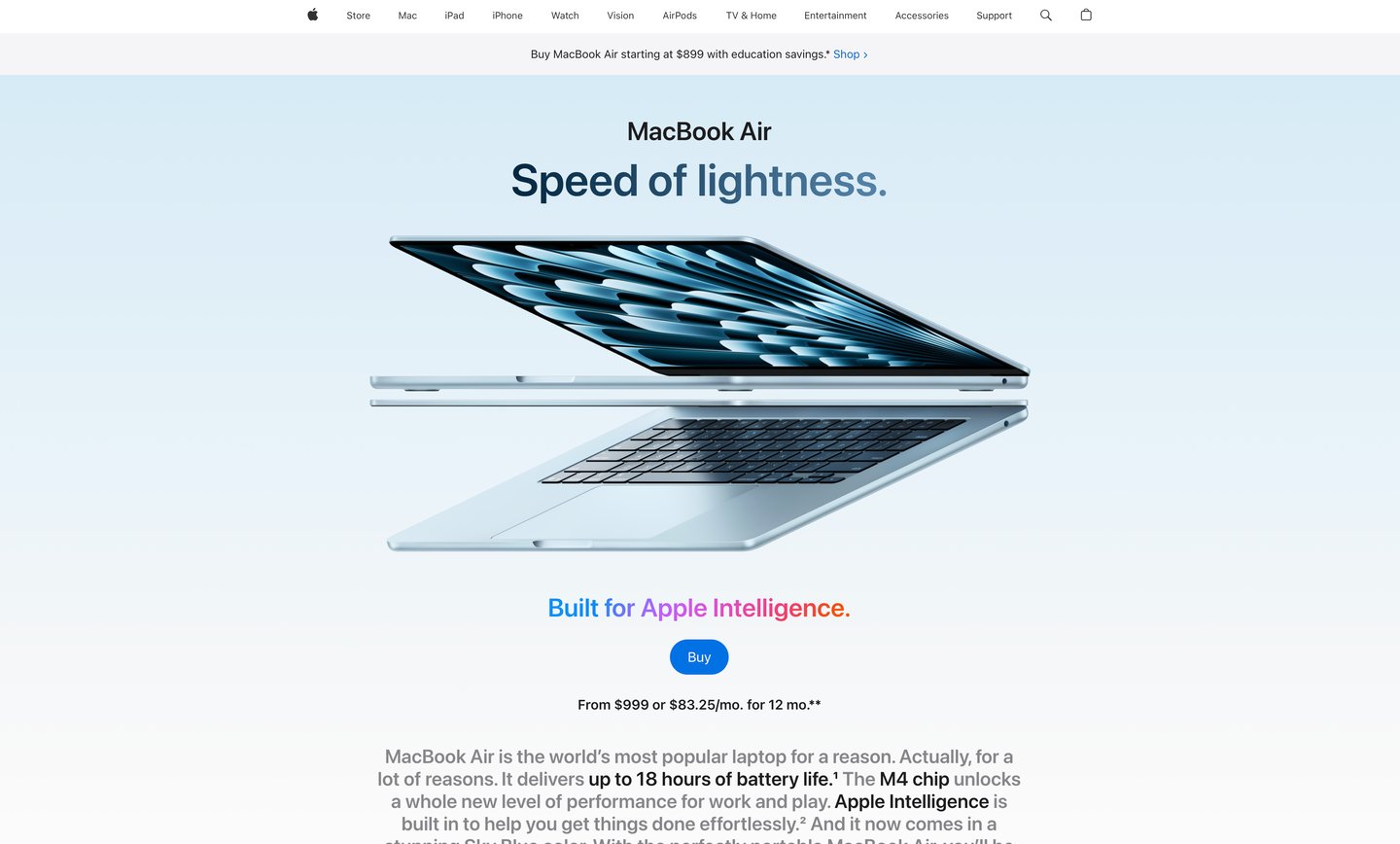
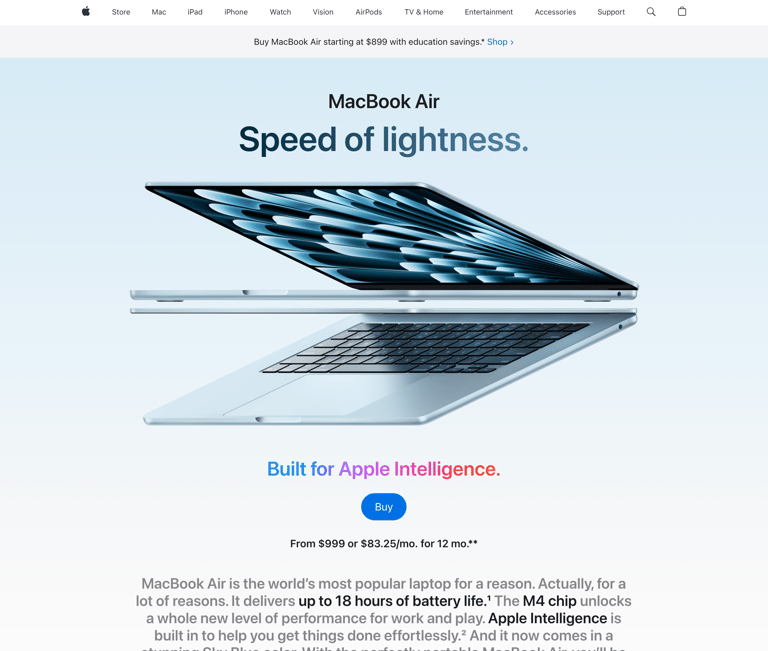
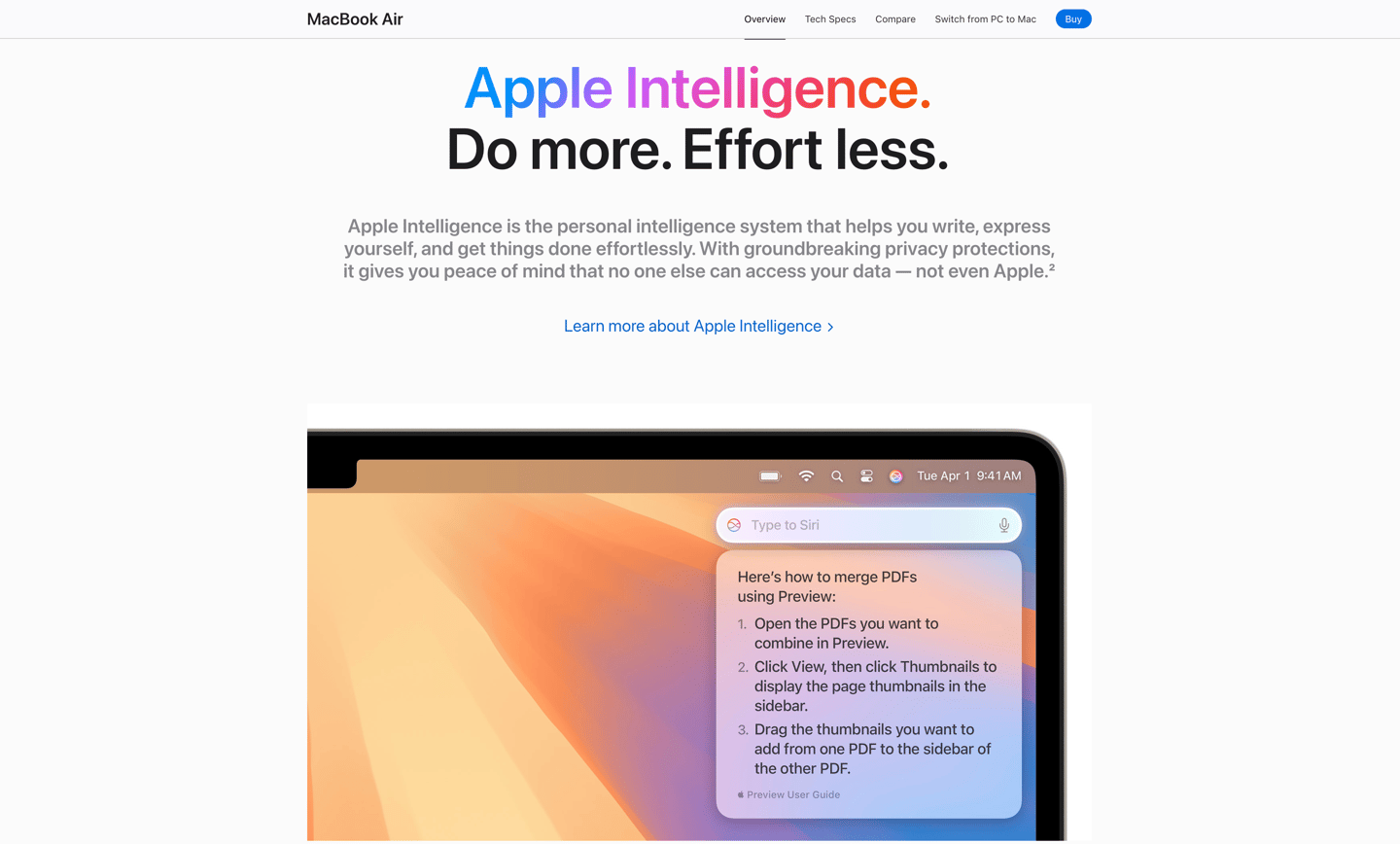
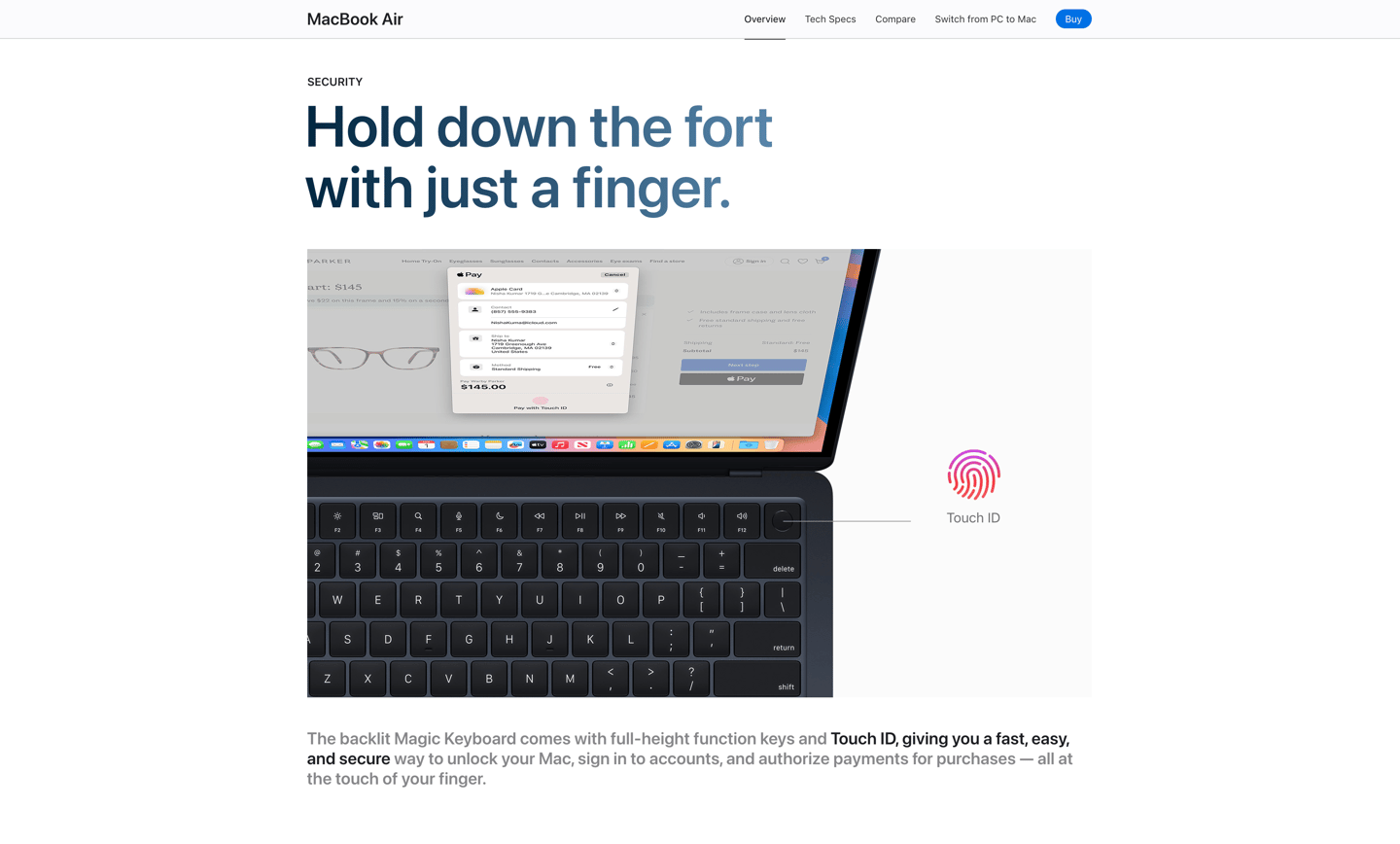
That restraint is not accidental. That experience is intentionally designed to create "moments" for users.
I rebuilt the experience from the ground up — using my own layouts, my own components, and my own decisions.
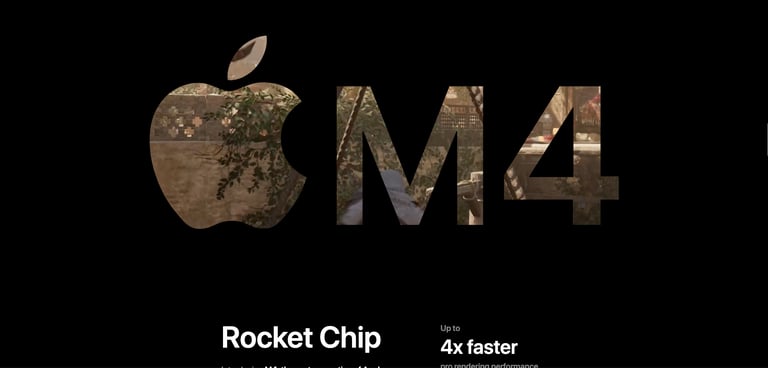
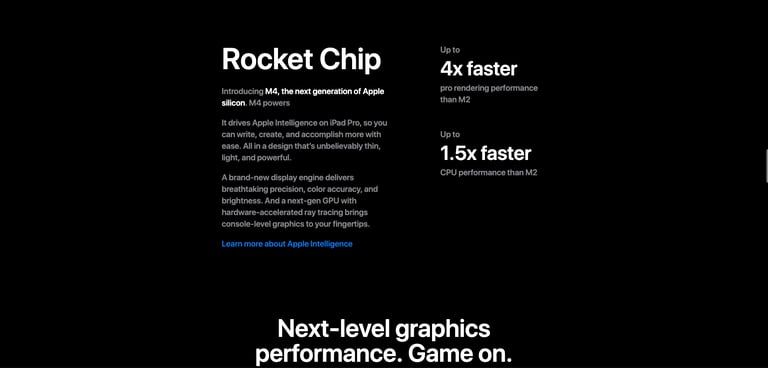
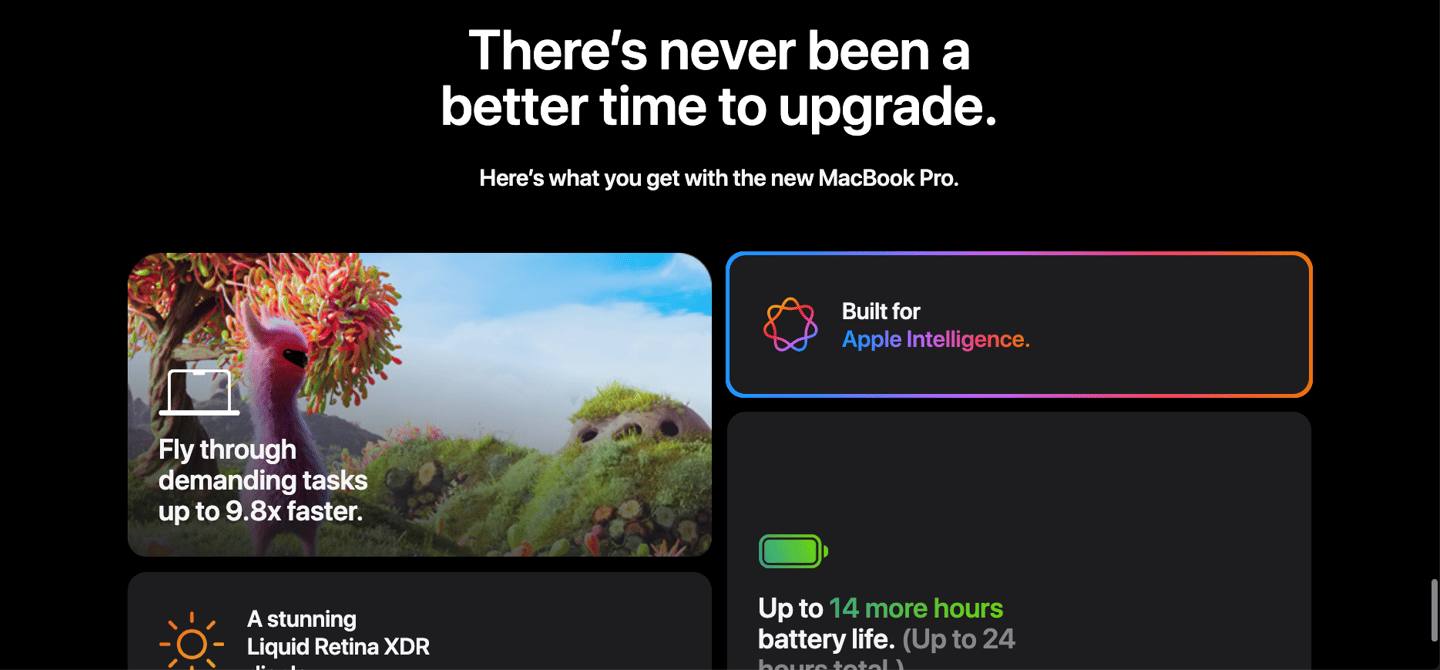

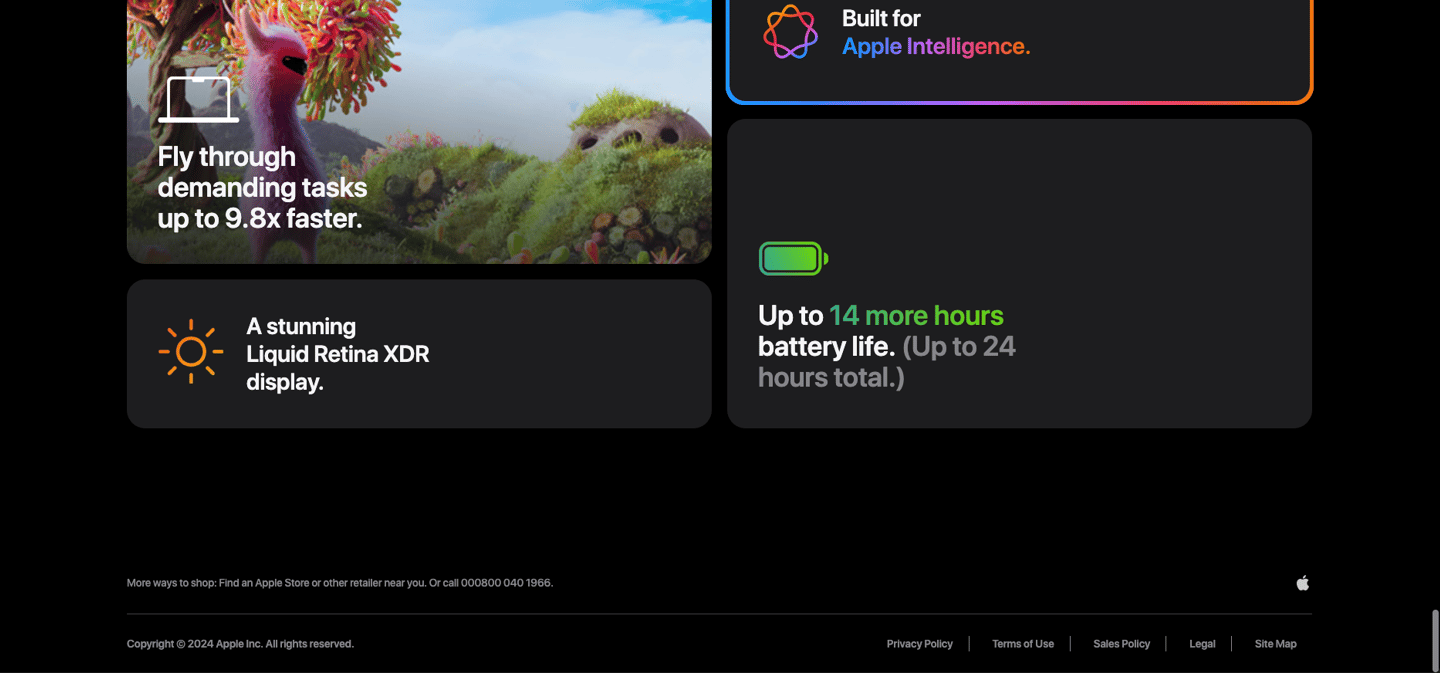
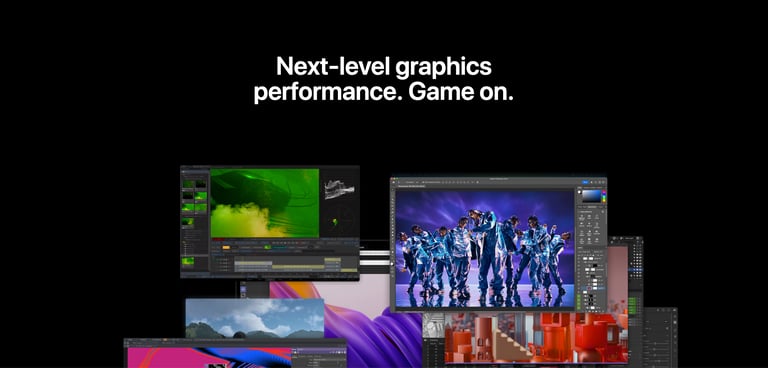
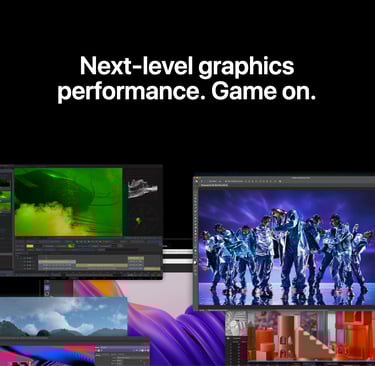
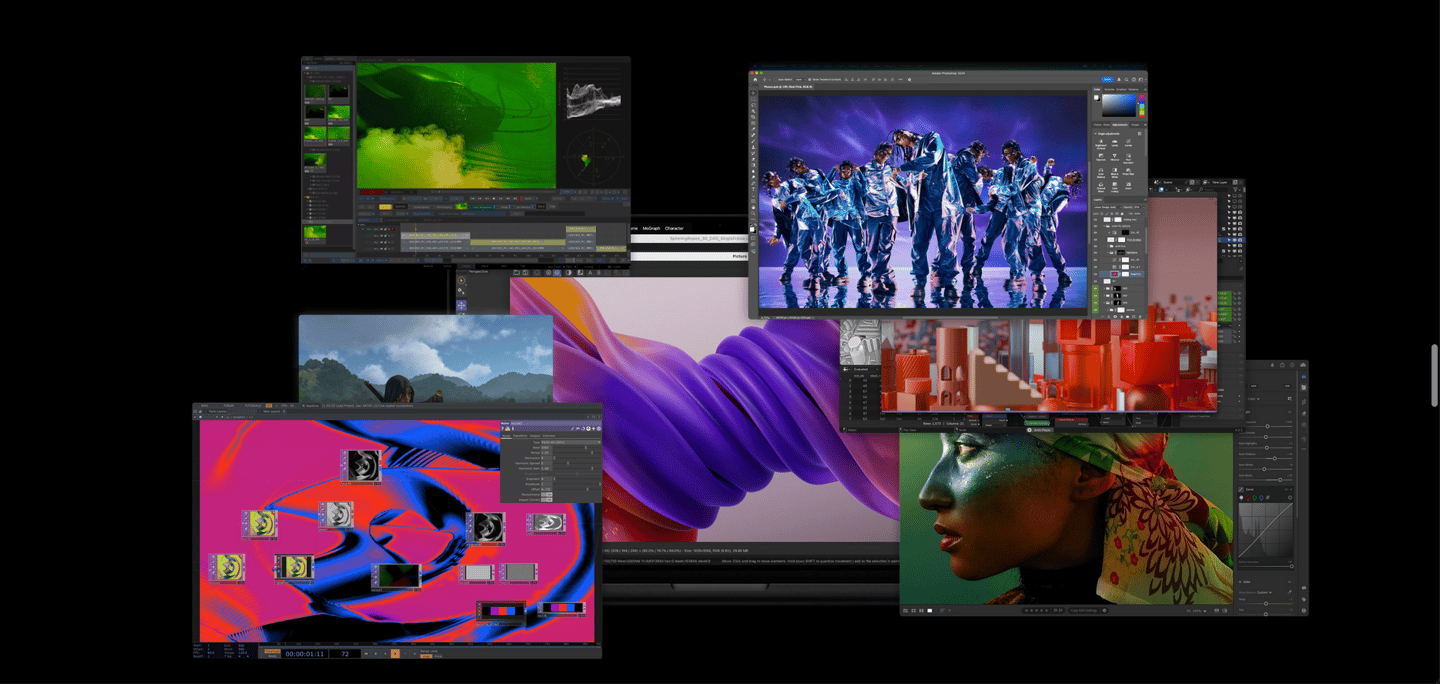
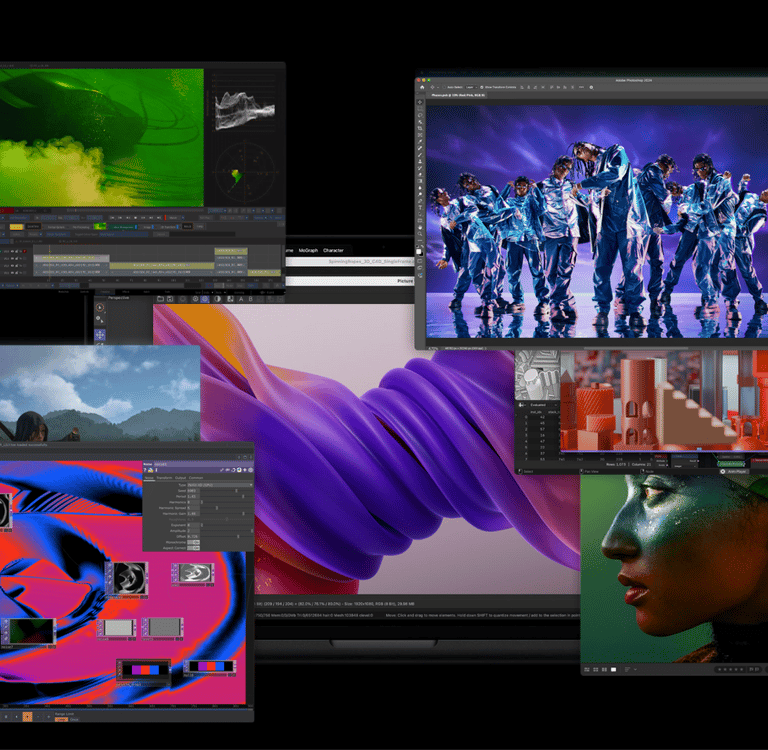


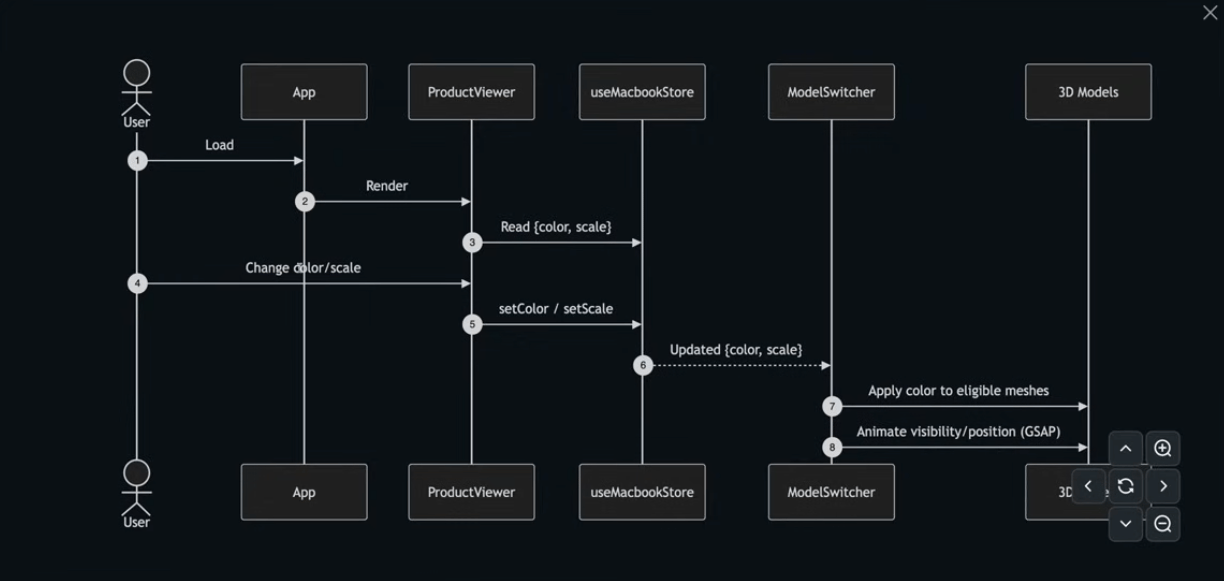
Product Customization Interaction Flow
A clear separation between user input, state, rendering, and animation.
User actions update a centralized state
Visual components react to state changes only
Complex 3D interactions remain predictable and scalable
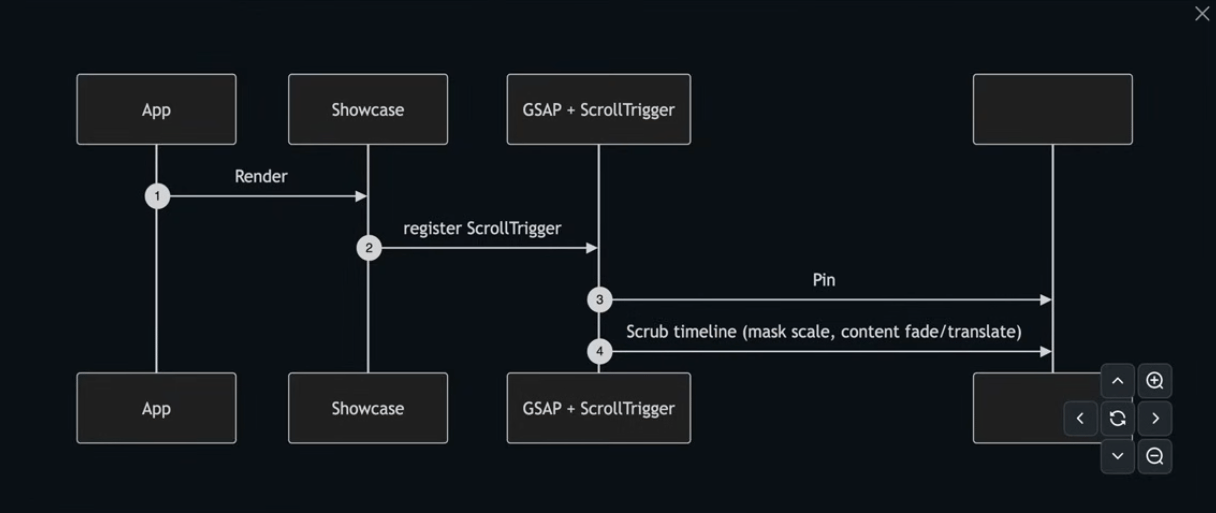
Scroll-Driven Motion
Architecture
Scroll is treated as input, not decoration.
A single timeline controls all motion
Pinning and scrubbing manage pacing
Content, masking, and motion stay synchronized
SKY SONG
Contact
haneulisstudying@gmail.com
385) 307 6810